Managing Subscriptions
Overview
The Overview section provides complete details of the subscription.
The first row displays the category and the status.
The second row highlights the subscription name.
The third row displays the type of subscription and the cost.
Current Assignments
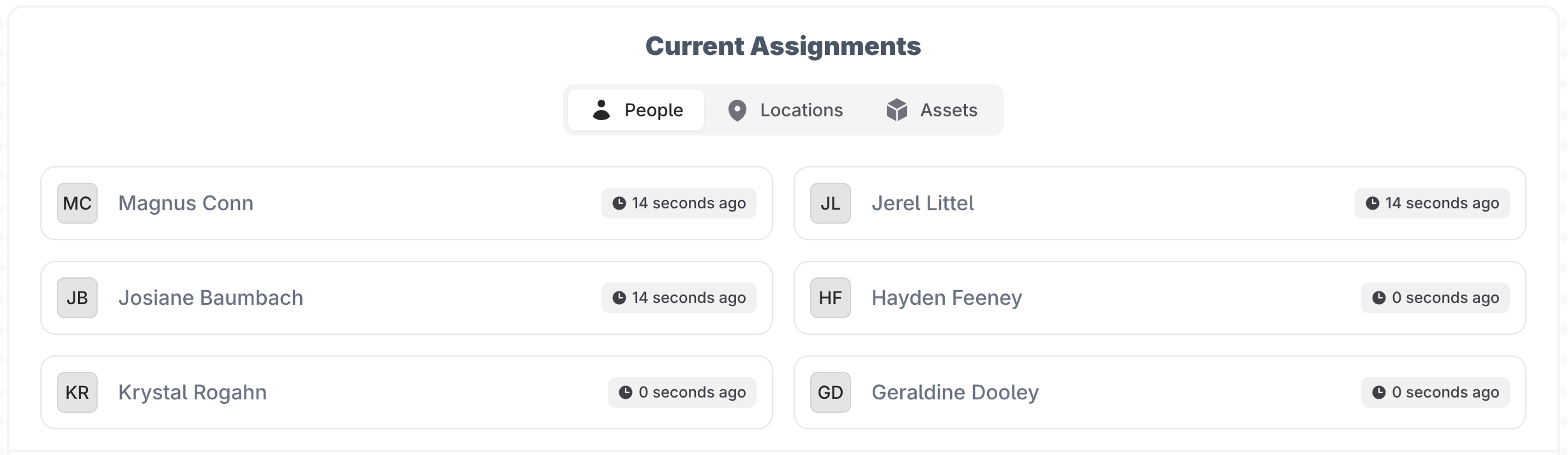
The current assignment section lets you toggle between the people, location and asset assignments on this subscription.
Along with the name, this section will also include a badge indicating how long it has been since the assignment was made.
Timeline
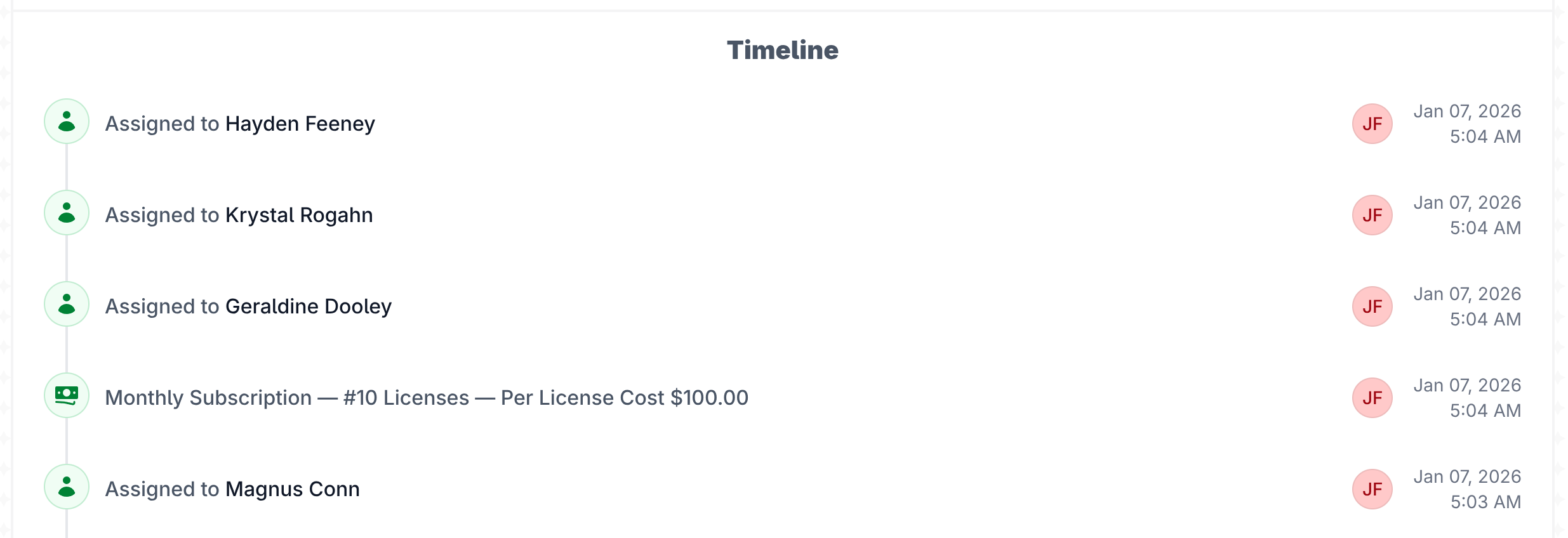
The timeline documents the complete lifecycle of each subscription from purchase through billing updates, to-dos, contracts, assignments and notes. Every activity is recorded in one place, and each timeline entry can be edited with a single click.
Comments and attachments are supported on all timeline entries. Click on any item to edit it and you can make comments or upload attachments. Timeline items with comments will show a comment bubble icon and items with attachments will show a paperclip icon on the activity line.
Actions Button
The actions button in the top right corner is how you manage the subscription. This is purposely the only button on the page. Any action you need to perform on the subscription is done in the actions button.
The To-do button is for recording a To-do on that subscription. If something needs to be completed in the future by you or someone else this is where you create it. For example the subscription is coming up for renewal and you need to contact the company to negotiate new pricing. This is where you would create the to-do.
The Update Billing button is for any changes that occur to the subscription. You need to add more licenses or the price changes. You would record the change in the update billing section.
The Quick Note button is simple and straightforward. It will create a timeline entry that is a simple note. Use this for recording things like informational one off events on the subscription.
Under the assignments dropdown you can update the current assignments of people, locations and assets.
Under the lifecycle dropdown. Edit Subscription Details is where you update the base details of the subscription such as name, vendor, plan type, etc.
Add / Renew Contract button is for adding or renewing a contract on the subscription.